Turning a home into a smart home is easier, and goes better, when it is done in the right order. This guide walks through the steps we follow with clients in the UAE, from the first questions to the handover, whether the home is still being built or you already live in it.
Why smart homes suit the UAE

Few climates make a stronger case for automation. Cooling runs for most of the year, sun on large windows adds heat and glare, and many homes are large, shared by extended families and empty for weeks in summer.
A smart home answers all of that with one system: cooling that follows a schedule and switches off in empty rooms, curtains that close against the afternoon sun, lighting scenes for every part of the day, and locks and cameras you can check from anywhere.
Step 1: decide what you want the home to do
Start with how you live, not with devices. A few questions make the brief:
- Which rooms do you use most, and at what times of day?
- What annoys you now? Rooms that are too hot, too many switches, curtains nobody closes?
- Who lives in the home, and who needs to be able to use it without an app?
- Is the home empty for long periods, for example over the summer?
- What is the budget, and is it better to do everything at once or room by room?
Step 2: check where the home is in its life
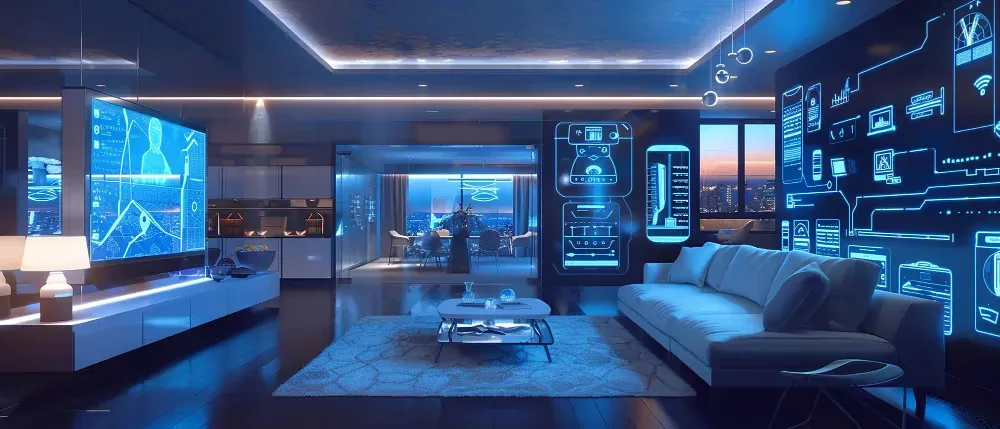
The stage of the home decides the best system.
- Under construction or being renovated: this is the moment for a wired system such as KNX, DALI or Lutron. Control cables run alongside the power cables, keypads go where the switches would have been, and the result is fast, dependable and built to last.
- Already living in it: a wireless system, typically Zigbee, brings lighting, climate and curtains under control without opening walls. It can be added room by room.
Many homes end up with both: a wired backbone where the walls were open, and wireless devices where they weren’t.
Step 3: get the network right
Every smart home depends on its network, and UAE villas, with concrete walls and floors, are hard on Wi-Fi.
- Wired access points in the ceilings, rather than a single router, give reliable coverage in every room.
- Separate networks for family, guests and smart devices keep the system secure and responsive.
- A rack or network cabinet keeps the router, switches and controllers together, cool and easy to service.
Step 4: choose the systems, room by room
- Climate
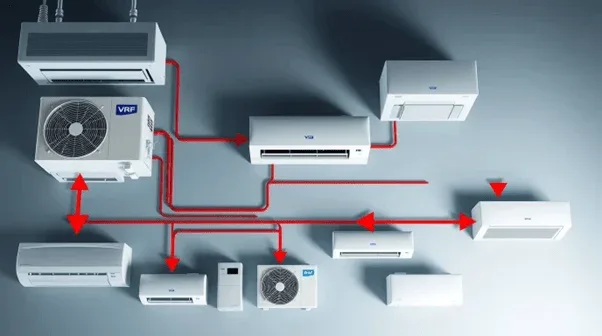
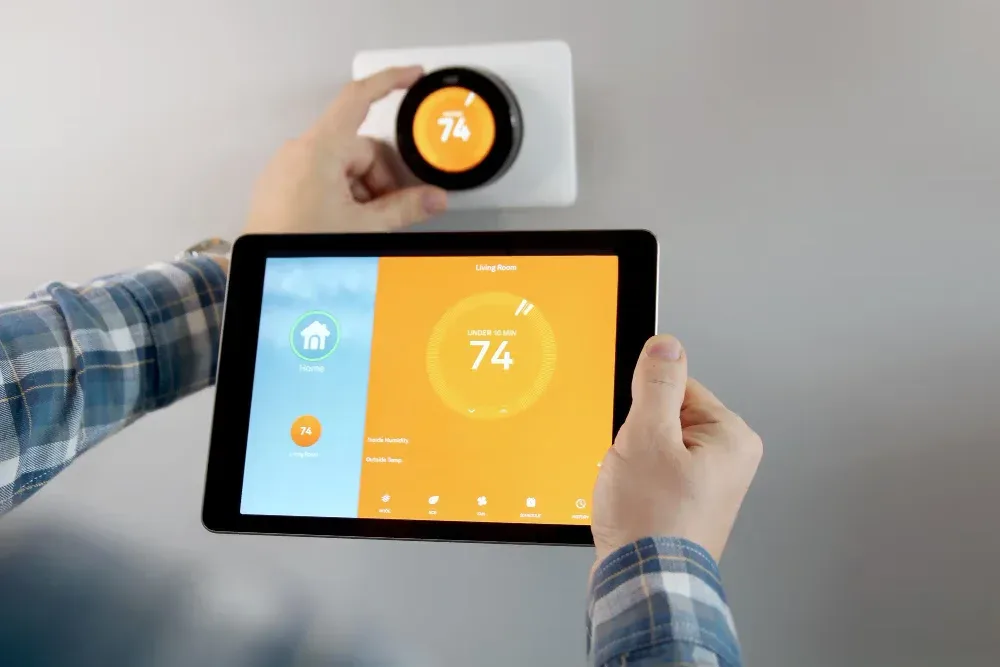
- Smart thermostats or an AC gateway put every unit on one schedule, with setbacks at night and when rooms are empty. The right interface depends on the AC system, so we check it at survey.
- Lighting
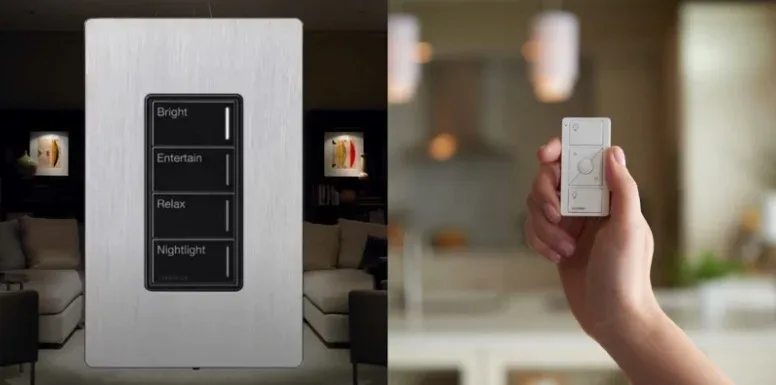
- Smart dimmers and keypads replace the switches, with scenes such as Morning, Dinner and Good night. Dimmable LED fittings give the best results.
- Curtains and blinds
- Motors on curtain tracks and blinds, on a schedule or linked to the sun, so rooms stay cooler in the afternoon.
- Security
- Smart locks, cameras and an alarm, checked from your phone. Cameras use the network, so they are planned with the access points.
- Garage and gates
- Gate and garage door controllers that open from your phone or a keypad, and tell you if they are left open.
- Voice control
- Alexa, Google Assistant or Siri on top of the keypads, never instead of them.
Our estimator prices lighting, climate and curtains room by room, plus whole-home features such as a smart lock and surveillance, so you can see what your list adds up to.
Step 5: design before anything is bought
Most disappointing smart homes come from buying devices first and finding out later that they don’t work together. A design avoids that:
- A device schedule listing every switch, sensor, motor and thermostat, room by room.
- Drawings showing keypad, sensor and access point positions, and the cable routes for a wired system.
- A compatibility check against the AC units, the curtain tracks and the existing wiring.
- The scenes, written in plain language, so you know what each button will do before it is installed.
Step 6: installation and commissioning
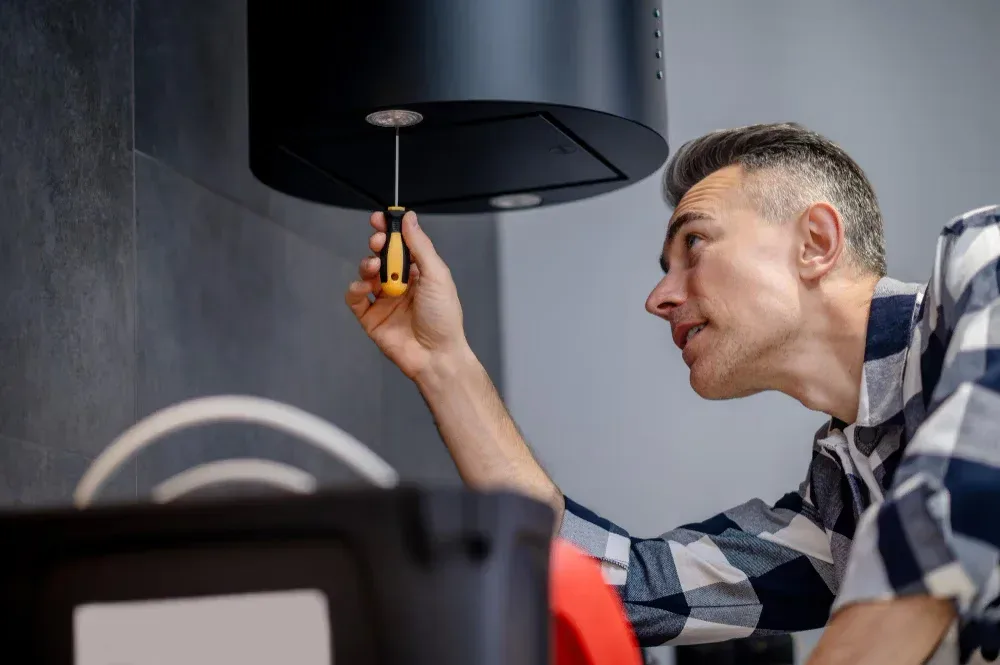
Smart home installation means working on the electrical installation, the AC controls and the network, so it should be done by qualified installers. Replacing a switch or wiring a thermostat into an AC unit is not a DIY job: mistakes can damage equipment or create a safety risk.
Installation usually runs in this order:
- Cables and back boxes, while ceilings and walls are open (wired systems)
- The network and the rack
- Dimmers, keypads, thermostats and curtain motors
- Programming the scenes and schedules
- Testing every device and scene with you in the home
Step 7: handover and support
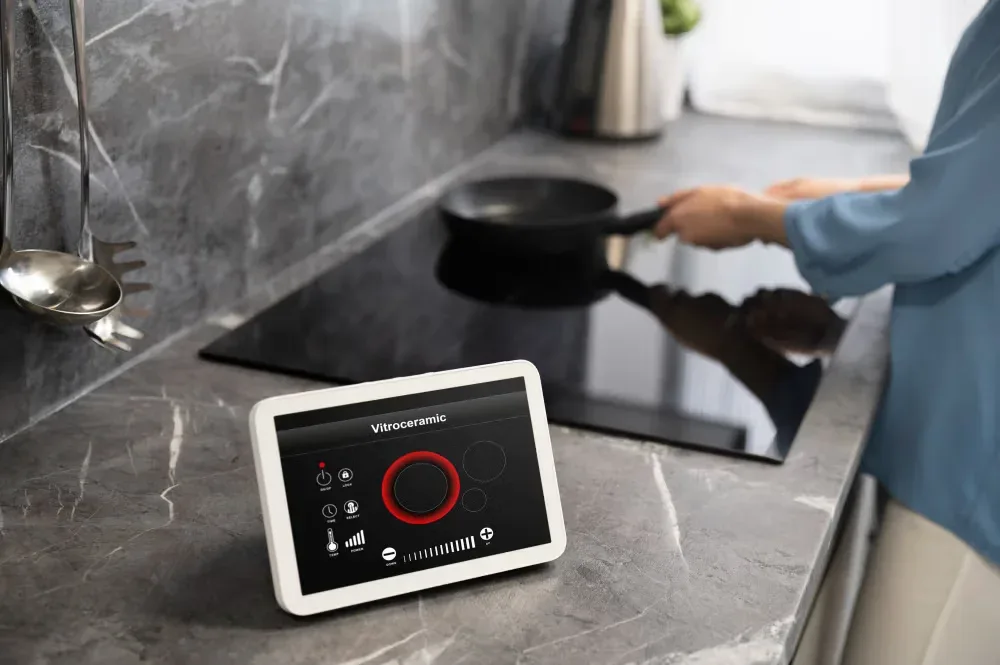
A smart home is only as good as the household’s confidence in using it.
- Training: we walk everyone who lives in the home, and the household staff, through the keypads, the app and the scenes.
- Changes after you move in: routines change, and scenes and schedules can be adjusted once you have lived with them.
- Updates and support: firmware updates, battery checks on wireless sensors and a number to call if something isn’t right.
Common problems, and how to avoid them
- Weak Wi-Fi
- Devices drop out or respond slowly. Wired access points in each area, and a separate network for smart devices, fix it.
- Devices that don’t work together
- Different apps for everything. Choosing one system and checking compatibility before buying avoids it.
- Security risks
- Connected devices can be a way in. Change default passwords, use two-factor sign-in and keep firmware up to date.
- Too much depends on the internet
- If the connection drops, nothing works. Keypads and local control keep the essentials working offline.
Tell us where the home is in its life and what you want it to do, and we will design the system and the steps, with a clear, itemised quotation.